

TrueConf Chatbot Connector
Create multifunctional chatbots to optimize workflows and integrate them into TrueConf corporate communications.

Create multifunctional chatbots to optimize workflows and integrate them into TrueConf corporate communications.
Webinar: New features of API and Chat Bots
27 min. 55 sec.
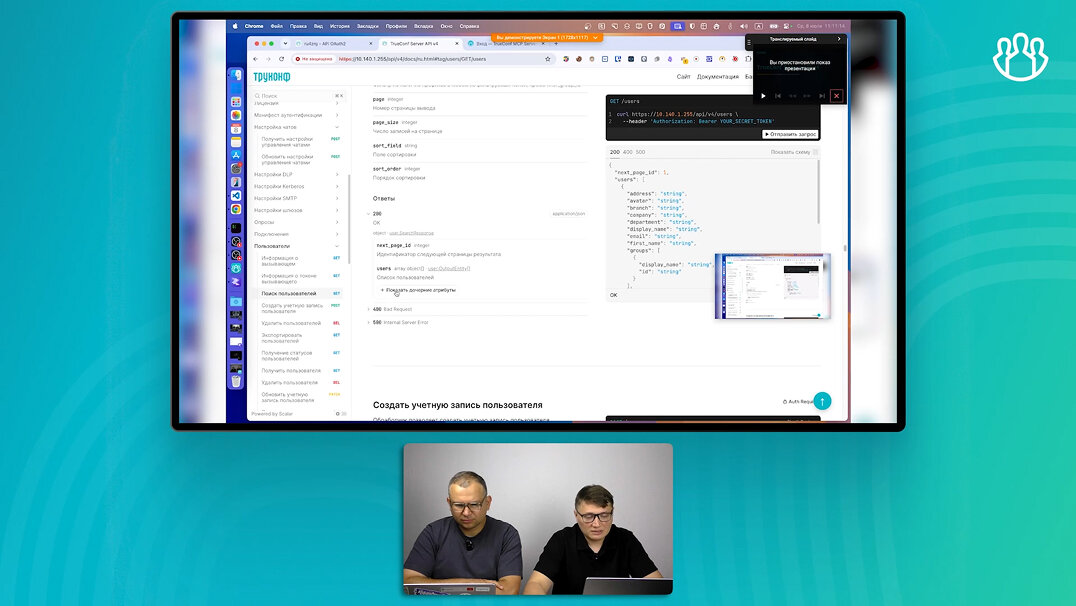
Webinar: New Solution TrueConf Chatbot Connector
40 min. 09 sec.
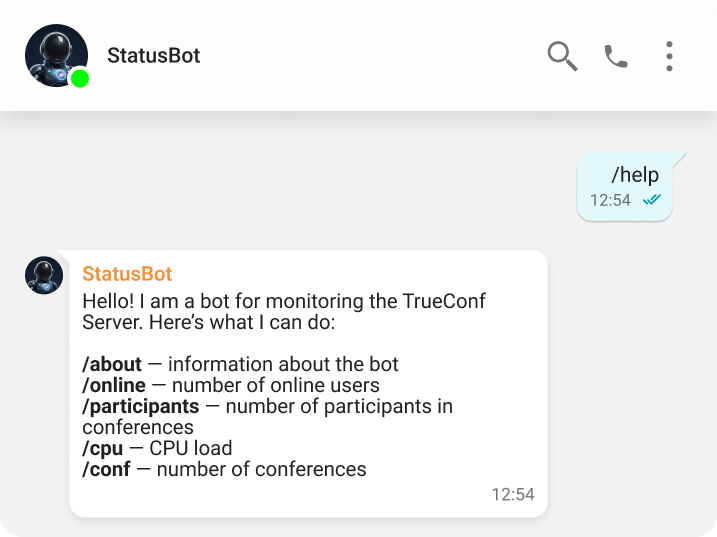
Send messages, files, geolocation, contacts, and more using chatbots, easily adapting them to your specific tasks!
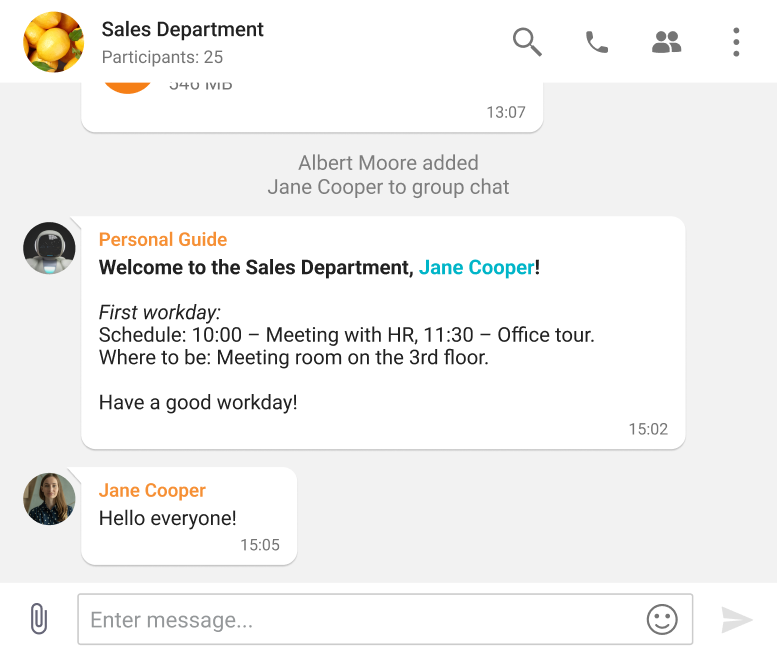
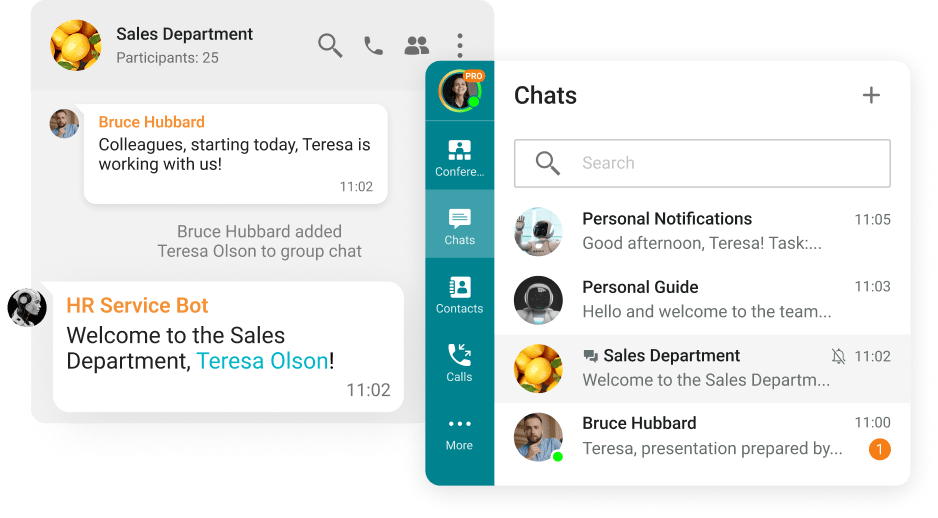
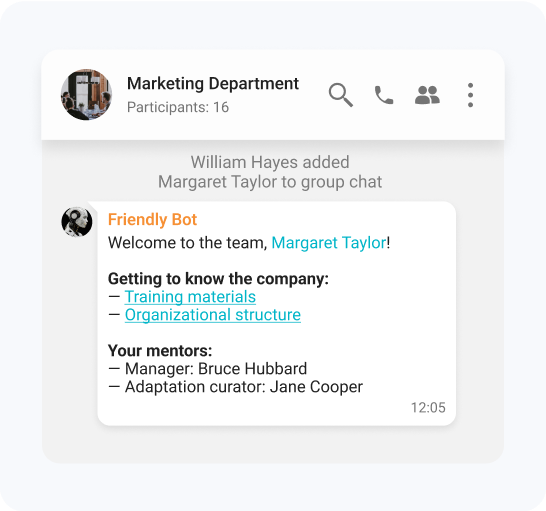
Automatic sending of welcome messages to new group chat participants, providing a list of rules, required documents, and useful materials.
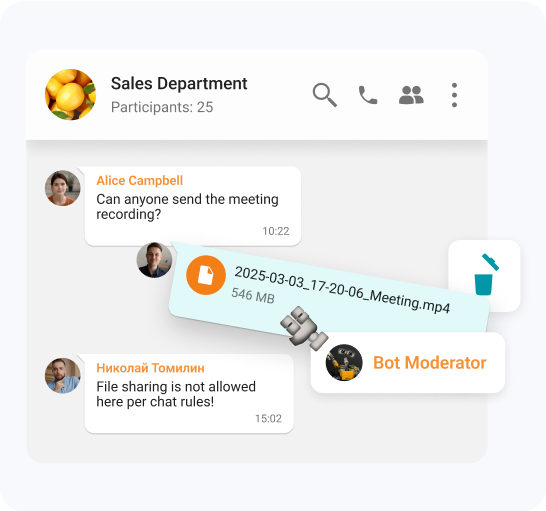
Use the bot for automatic moderation of group chats: spam removal, filtering of inappropriate content, and protection of confidential information.
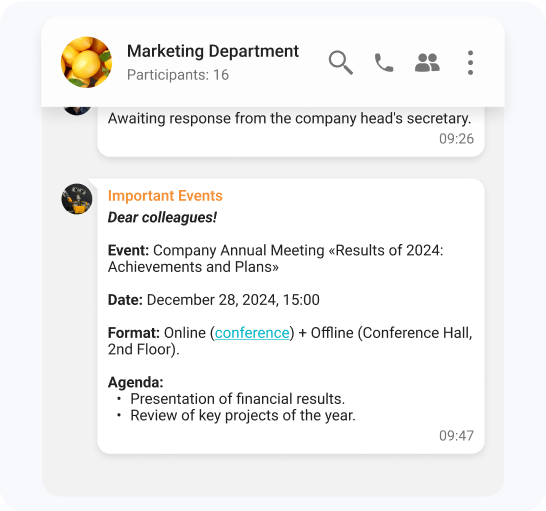
The chatbot sends necessary information directly to users' personal messages, ensuring timely updates about company events, key changes, and more.
Describe your task
In the window below, describe what functionality you want your chatbot to have.
Copy the prompt
Click "Copy" and save the generated prompt.
Paste into a CLI environment
Open any compatible CLI environment (OpenCode, Codex, Claude Code, etc.) and paste the prompt.
Generate your bot
Follow the CLI instructions to generate the code and launch the chatbot.
Review the documentation: https://trueconf.com/bot/llms-full.txt
What should the bot do?
0/2000
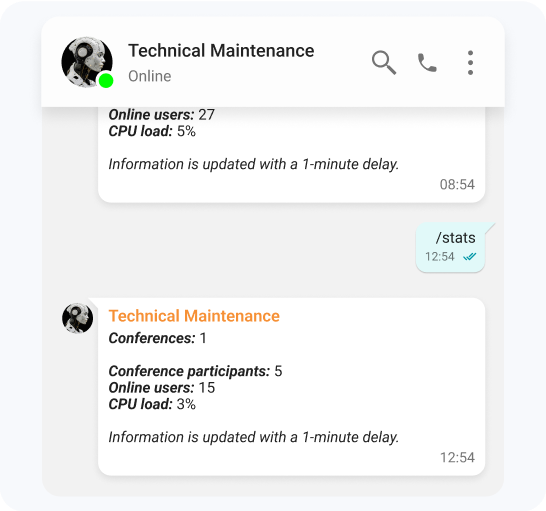
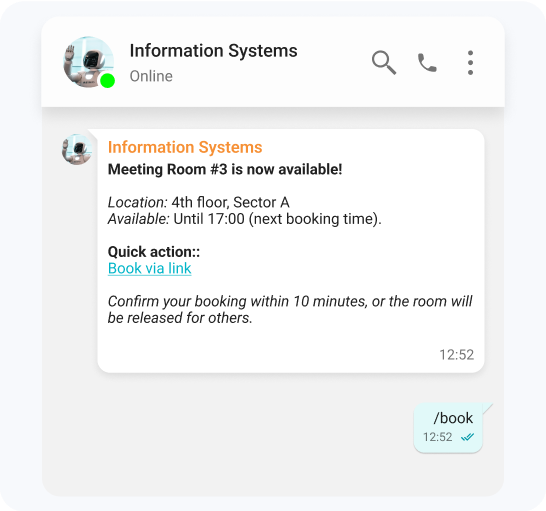
The examples are for demonstration purposes only and reflect the capabilities of the TrueConf Chatbot Connector. They are not pre-built solutions. The functionality shown can be implemented by the customer as needed.
Create chatbots with the same ease as on other platforms. Familiar architecture enables faster development and migration.
No manual API requests needed. Add new commands in no time.
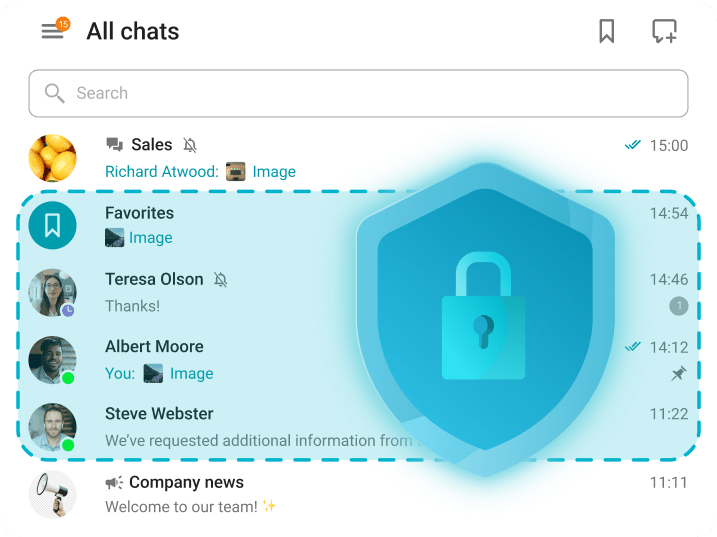
Maintain the privacy of your conversations by controlling exactly which chats your bots can join.
Move not only your bots but all your work chats in just a few clicks.






 and others.